 never gave you.



npm run tauri dev
12 sec ago
 BuildNotch
Keep your music, tasks, focus timer, AI tools, active projects, and work stats at the top of your screen. One hover away, on your Windows.
$3 one-time launch price · Lifetime updates included
See what is playing and control it without leaving your work.
Launch the AI tools you use from one spot at the top of your screen.
Drag the timer out when you need it in view. Choose from seven themes.
Keep your active builds and the next task one hover away.
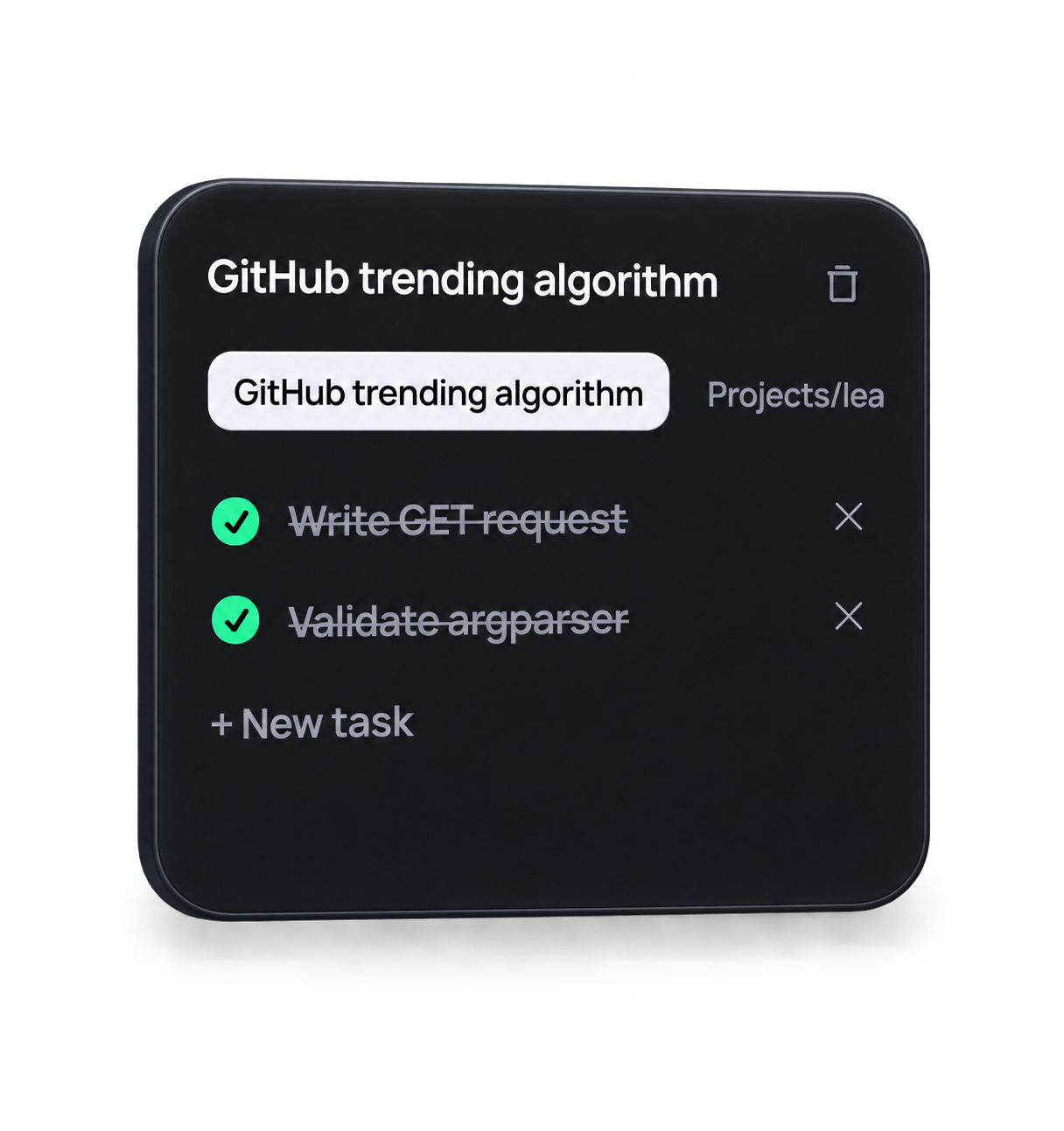
Organize work by project and keep the next task close.


 Codex usage
Track your daily and weekly usage for your favorite AI agents.
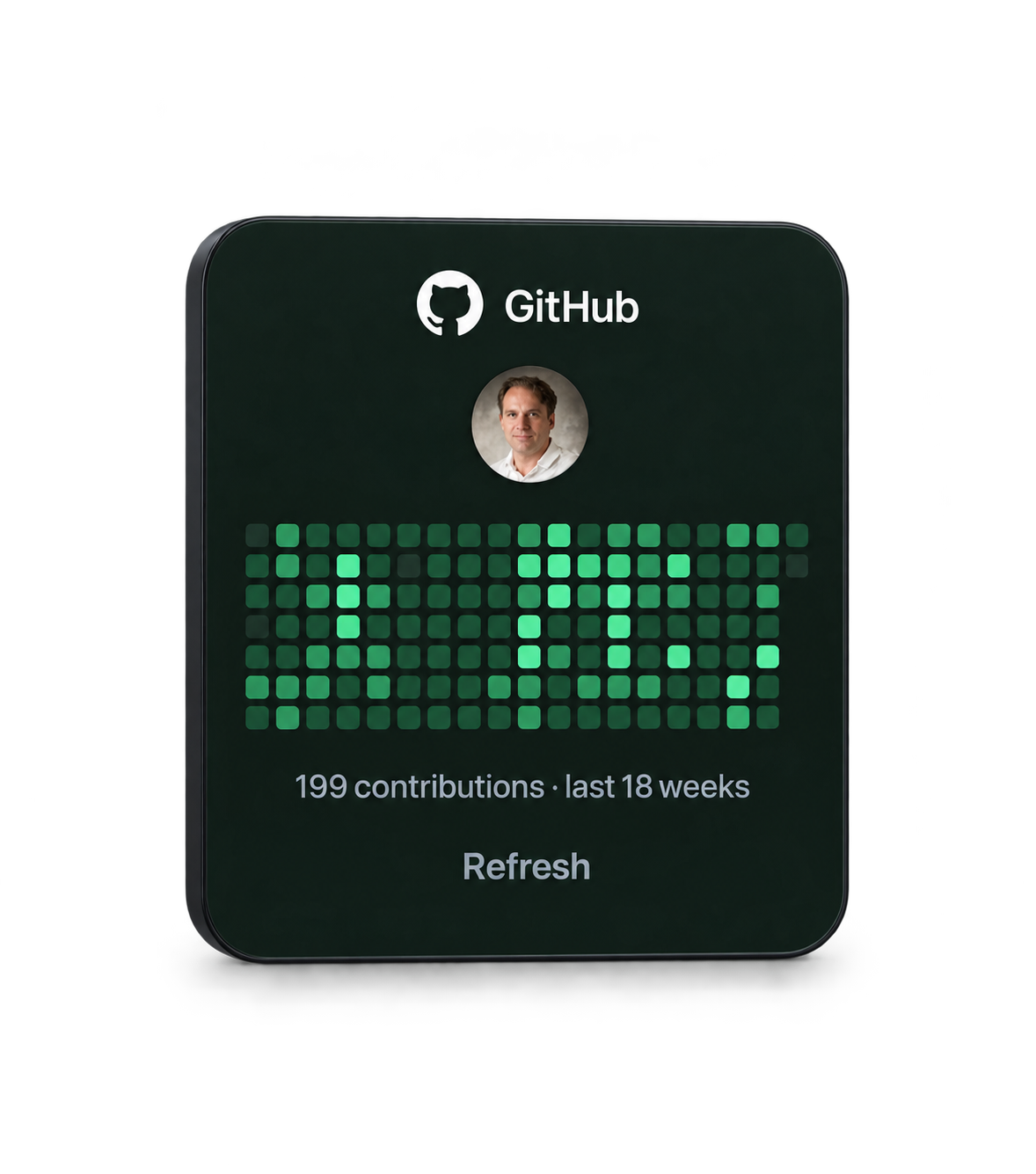
Check your contribution history without opening GitHub.
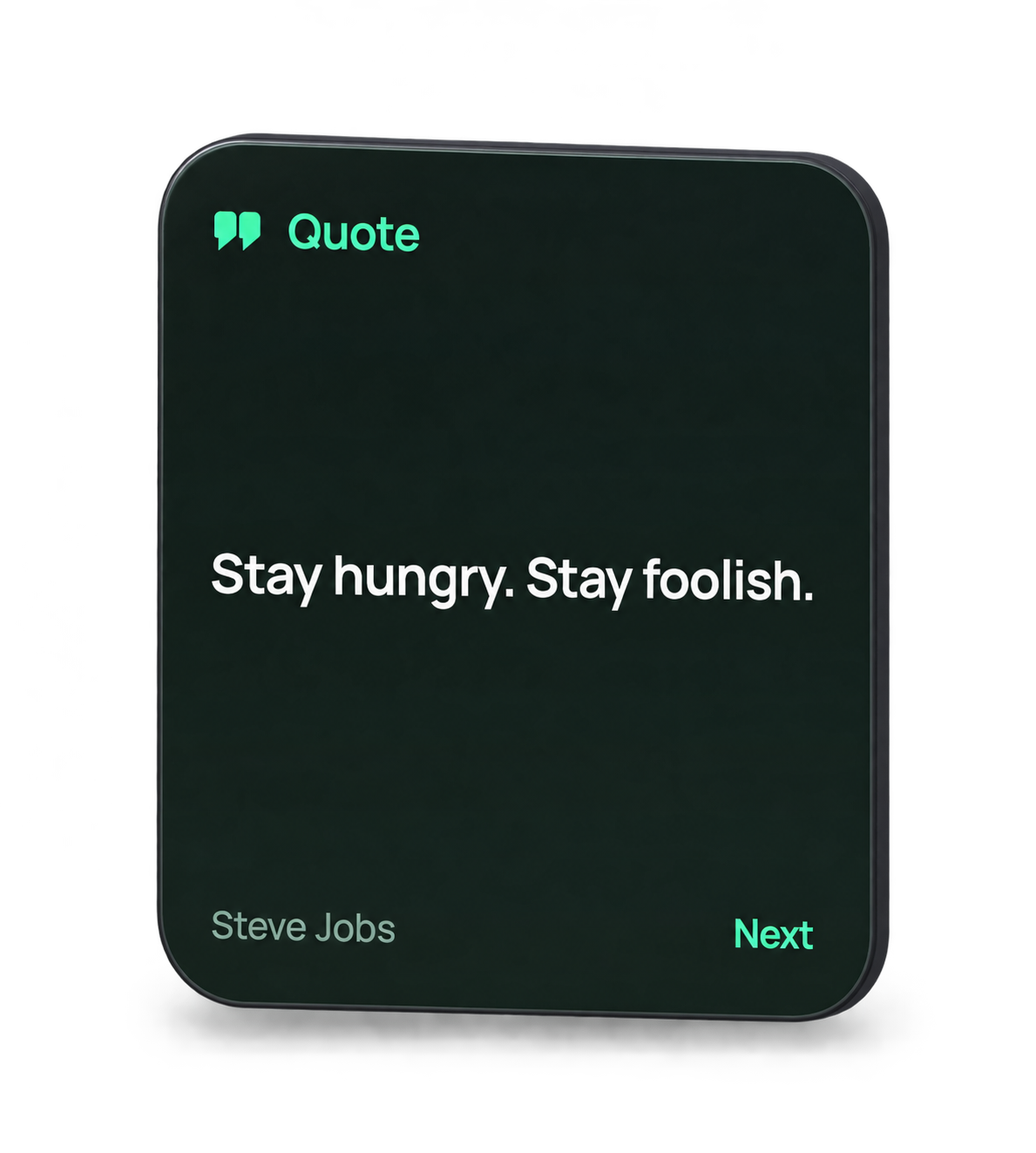
Micro-doses of philosophy and founder wisdom to keep you locked in.
Keep your favorite everyday apps close, ready whenever you need them.
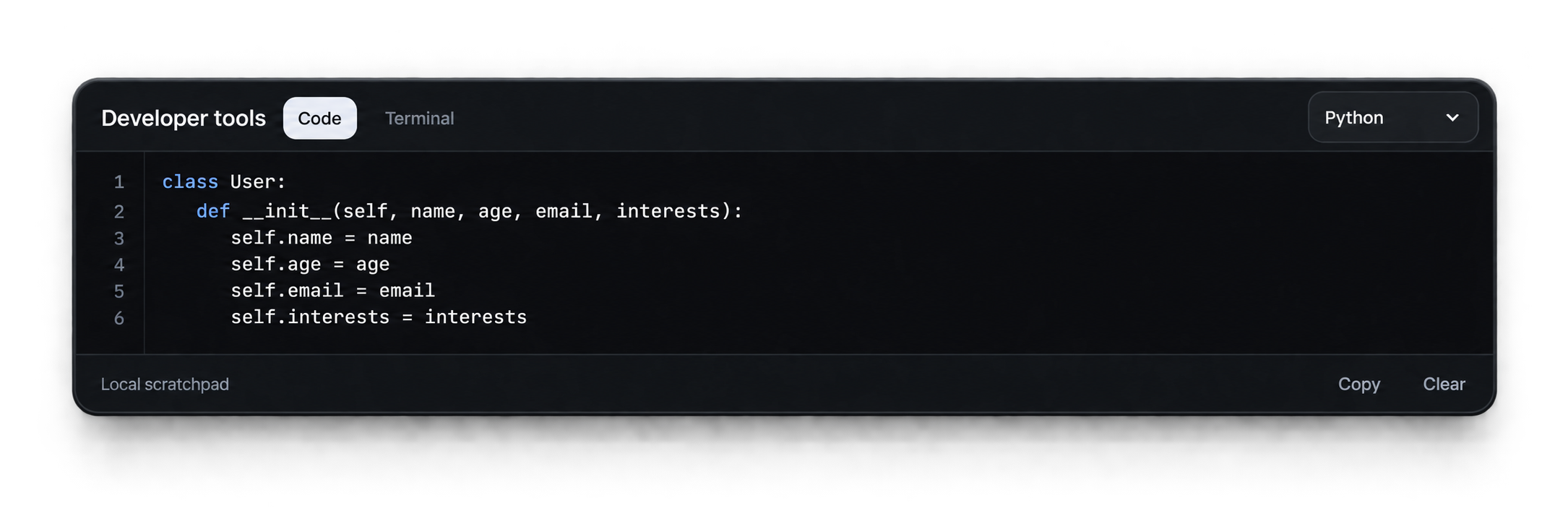
A lightweight playground docked at the top. Auto-saved as you type.
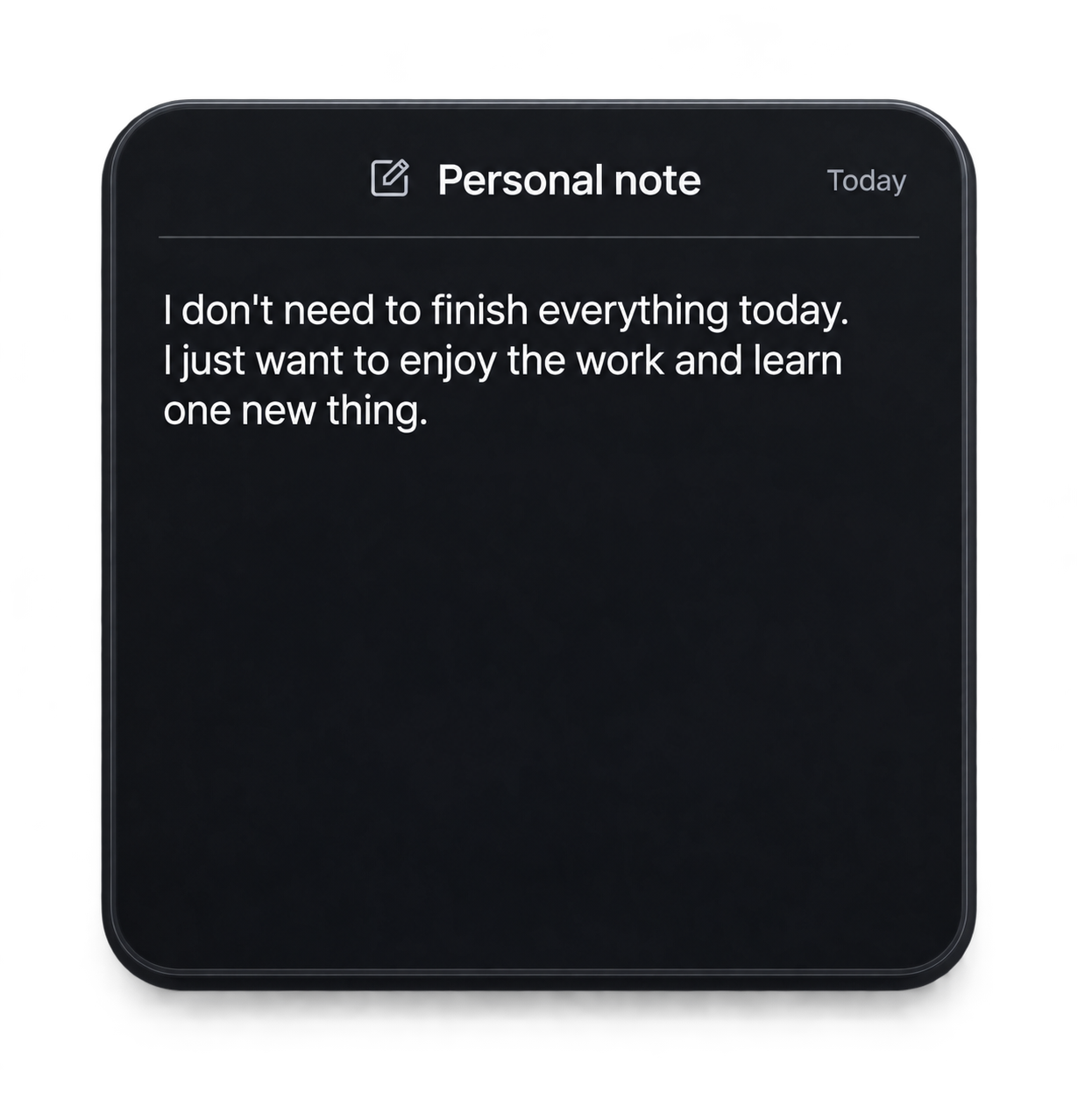
Keep a quick note, idea, or plan at the top of your screen.

Lowkey out of everything the thing that made me install it was the animation lmao.
I love the todolist and how it has projects, that's smart! Instead of a long ahh list lmao.
Then so seeing my github stats is cute hehe.

I ran this all day yesterday. And it was brilliant! For $3 lifetime licence? There’s no thinking involved!

running it now. very cool


I totally forgot to use the launch code lol. Oh well. It's still well worth the full price.

lessgooo it's really smooth you can also update the timer , so i can set custom timer s
26 of 50 claimed · Then $4.99 one-time
You will get your installer after payment, from the Polar order, so keep an eye on your email. Windows SmartScreen may warn on first run because BuildNotch isn’t code-signed yet.
They are there when you need them, then out of the way when you do not.
Yes. BuildNotch is built for Windows 11 and also targets Windows 10 version 2004 or newer. The current installer is for x64 PCs.
BuildNotch detects supported AI apps installed on your PC and puts them within easy reach. You can also add your own shortcuts, so your setup stays yours.
BuildNotch is not code-signed yet. That means Windows may show an unrecognized-app warning when you first run the installer. Download it only from your Polar order, check that the file is named BuildNotch-Setup.exe, then choose More info and Run anyway if you want to continue. If the source or filename is different, cancel the install.
Polar gives you access to the download through your order benefits. Open the customer portal using the email you checked out with, then download the BuildNotch installer from your order.


