 BuildNotch
Get for Windows
BuildNotch
Get for Windows
Two useful apps. Different strengths.
AWNA is a substantial everyday toolkit with capture, dictation, phone sharing and coding-agent awareness. BuildNotch offers a project-oriented workspace with GitHub contributions, code tools, themed focus timers and AI usage views. The right choice depends on which tools you actually need.
Reviewed October 16, 2026 by BuildNotch’s developer. This is a vendor-authored comparison of published features, not an independent hands-on benchmark. “Not listed” means unconfirmed in the reviewed materials, not a claim that a feature cannot exist.
The features, side by side.
| Feature | BuildNotch | AWNA |
|---|---|---|
| Daily workspace | Tasks, notes, focus and personal project cards. | Ten tabs: Today, Tasks, Notes, Time, Music, Controls, Launch, Shelf, Clipboard and Capture. |
| Calendar | Connected calendar integrations are not listed. | Google/Outlook calendar presentation, upcoming appointments, reminders and meeting links. |
| Tasks | Quick tasks with dates and completion controls. | Task entry/completion plus a quick-entry box shared with links and timers. |
| Notes and drafts | Notes in the workspace. | Multiple notes, a pinned note, social drafts and a doodle pad. |
| Focus and time | Focus/break timers with selectable visual themes. | Focus sessions, multiple timers and alarms. |
| Music | Artwork, track progress and playback through Windows media sessions. | Music tab with track/progress, playback and volume controls. |
| Clipboard | Text/link/code/image filters, preview and deletion. | Searchable 50-item history with source-app information, images and saved dictations. |
| File shelf | Temporary file copies with thumbnails, export and drag-out. | Drag/drop, search, multi-select and copy/move; image crop/rotate and thumbnail sizing. |
| Phone transfers | Phone transfers are not listed. | QR-based file transfers both ways over encrypted local Wi-Fi; no phone app required. Paid unlock. |
| Screenshots | Capture tools are not listed. | Area, window and full-screen screenshots, delayed capture and a screenshot hotkey. |
| Scrolling capture | Scrolling screenshots are not listed. | Capture long pages/chats; release notes describe handling fixed headers. |
| Recording and OCR | Recording and screen OCR are not listed. | Screen recording with computer audio and extracting text from the screen. |
| Colour and camera | Pixel colour picker and camera mirror are not listed. | Pixel hex picker and camera preview. |
| Voice input | Dictation is not listed. | System-wide dictation using a downloaded local voice model, vocabulary and mic settings. |
| Device controls | Battery/status information; no comparable control dashboard listed. | Volume, brightness, Bluetooth, mic, awake/theme and power controls. |
| System monitors | Selected status information. | CPU, memory, GPU, disk/network readings and busiest-app views. |
| Launch and quick entry | Project/site/folder cards and installed AI app shortcuts. | App/link launcher; quick entry for tasks, links and timers; UUID/Base64 shortcuts. |
| Coding-agent sessions | AI app shortcuts and available provider usage windows/reset details. | Claude Code/Codex working, needs-input and done status; multiple sessions, terminal return and Claude plan alerts. |
| Project and code tools | GitHub contribution heatmap, personal projects, code playground and JSON formatting. | Comparable GitHub heatmap and JSON playground are not listed. |
| Appearance and behaviour | Card arrangement, wallpapers, timer themes and fullscreen-app rules. | LED-eye feedback, colour/size settings, top-edge positioning and multi-monitor support. |
| Data and account | Local workspace; connected features depend on their providers. | No account; local tasks/notes/clipboard, local dictation and status-only coding-agent monitoring. Connected features still use the network. |
| Windows and installation | Windows 10 2004+ / 11, x64 direct installer; currently unsigned. | Windows 10 2004+ / 11; signed per-user installer without admin rights, automatic updates; website also links the Store. |
| Free access | Direct paid download; see live pricing. | Today, Tasks, Music and Shelf are free. Other tabs and extras need a key. |
| Paid licence | See current BuildNotch pricing and purchase terms. | Website lists £8 once, three PCs, device deactivation/transfer, free updates and a 14-day refund window; checkout localizes currency. |
When to choose each app
Where AWNA offers more
AWNA is the stronger starting point for capture, voice input, phone file transfers and connected calendars. Its coding-agent status follows active Claude Code/Codex sessions, rather than merely launching an AI app. Its free tier, signed installer and three-PC licence are practical advantages.
What its ten tabs cover
Today combines the day’s schedule with tasks; Tasks handles checklists. Notes includes writing, drafts and drawing. Time handles focus, timers and alarms. Music provides playback. Controls covers devices and system readings. Launch holds apps and links. Shelf stores files. Clipboard searches copied items. Capture groups screenshot, recording, OCR, colour and camera tools.
Outside the tabs, quick entry, voice input and coding-agent status provide additional shortcuts. The table distinguishes the free tabs from paid extras.
Where BuildNotch fits
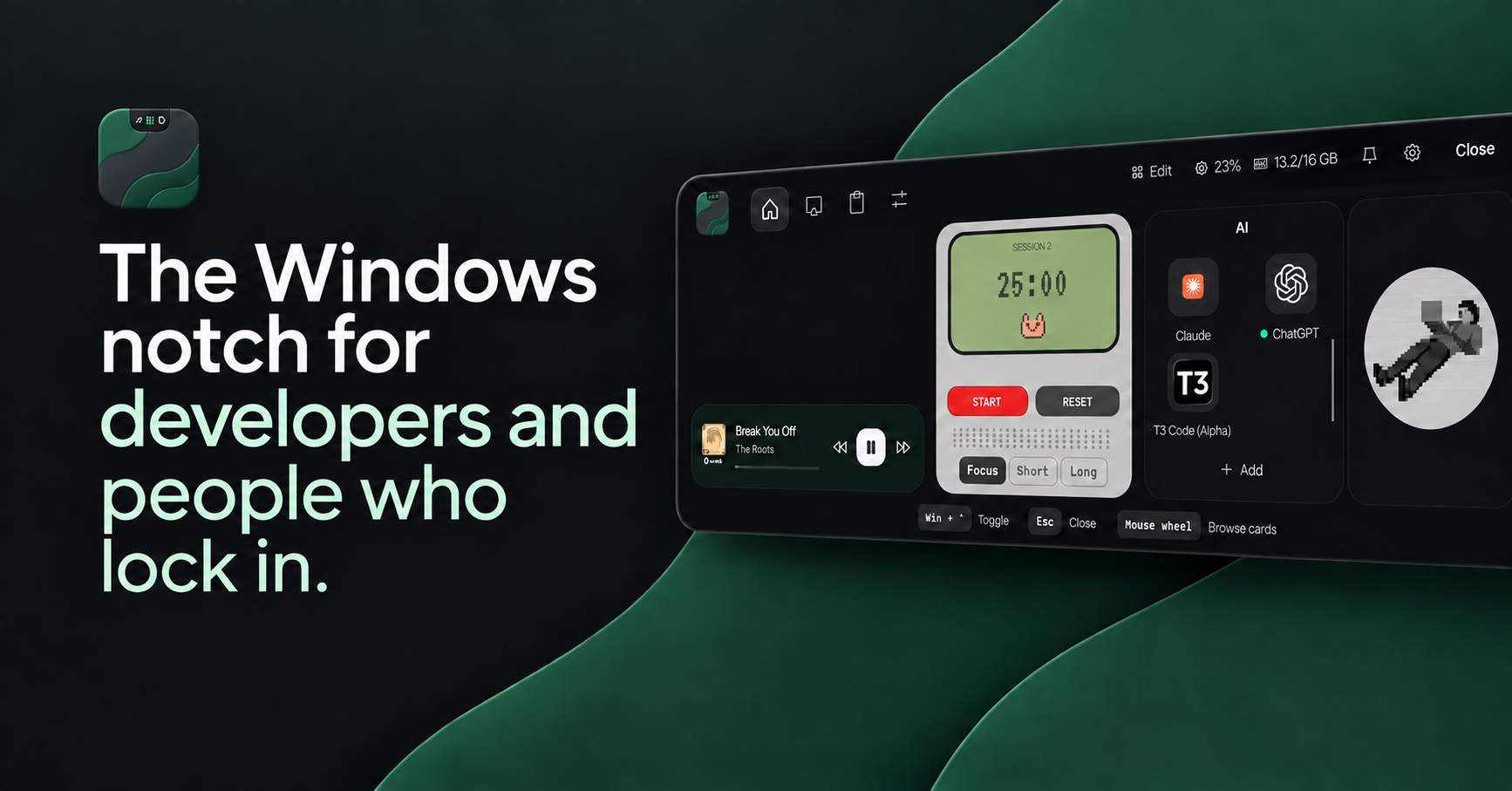
BuildNotch keeps GitHub activity, personal project links, installed AI apps, available usage readings and code/JSON tools in a compact workspace. Its focus timers, notes, media and clipboard support that work. Those are specific reasons to choose it; they do not make the other app’s broader toolkit less useful.
AI usage readings depend on the signed-in provider and available data. Neither app should be assumed to expose identical providers or measurements.
Performance needs a real comparison
We have not measured CPU, GPU, memory or battery use under matching conditions. Vendor performance claims are not our benchmarks. Try the apps on your own hardware if resource use is your deciding factor.
Common questions
Is AWNA free?
Today, Tasks, Music and Shelf are free. Its website lists a one-time £8 key for the remaining tools, with localized checkout pricing.
Does AWNA support Claude Code and Codex?
Yes. It describes working, waiting and completion status, multiple sessions and a way to return to the terminal. It also describes Claude plan usage alerts.
Why choose BuildNotch instead?
Consider BuildNotch if its GitHub contribution view, personal project cards, code playground, JSON tools and timer styling match your daily work better.
Choose the tools you will actually use.
See the BuildNotch demo, current price and installation details before buying. If AWNA is the closer match, its official site is linked below.
Sources and scope
Reviewed October 16, 2026. Feature availability, price and device support can change. Check each product’s current release and checkout. BuildNotch is not affiliated with AWNA. For a correction, contact Tudor.
- AWNA official features, pricing and FAQ
- AWNA release notes through 1.6.1
- BuildNotch shipped release notes
- Current BuildNotch price and installer information
Also compare Notchify or browse the Windows notch app guide.